Brand Photos For Your Website That Actually Work
Website Photo Inspiration & Prep Guide
How to plan brand photos that will actually work for your website
Website photos are one of those things that feel deceptively simple… until you’re standing in front of a camera wondering what to do with your hands.
If you’re planning a website photoshoot or updating your brand photos for your website, the goal isn’t perfection. It’s having images that work with your site’s layout, content, and messaging.
Before your photoshoot, take a few minutes to browse this inspiration board on Pinterest:
This board is meant to spark ideas, not set expectations. You don’t need to recreate these photos exactly. Use it as a guide to the types of images that work best on a website, and choose styles that feel like you.
A Helpful Breakdown for Website-Ready Photos
When planning brand photos for a website, aim for a mix like this. It works especially well for service providers, creatives, and small business owners.
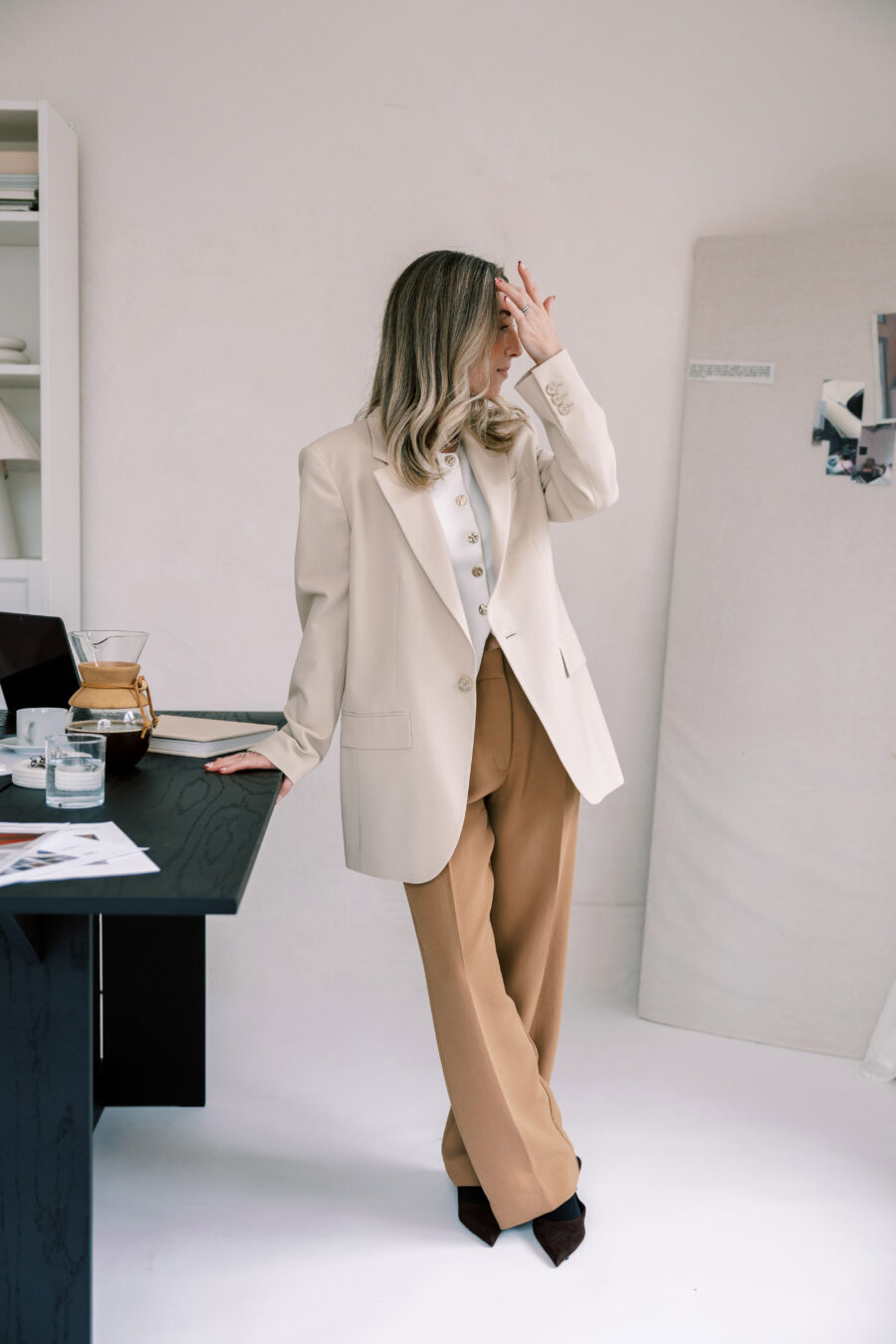
¼ with space for text or banners
These are some of the most valuable photos for website design.
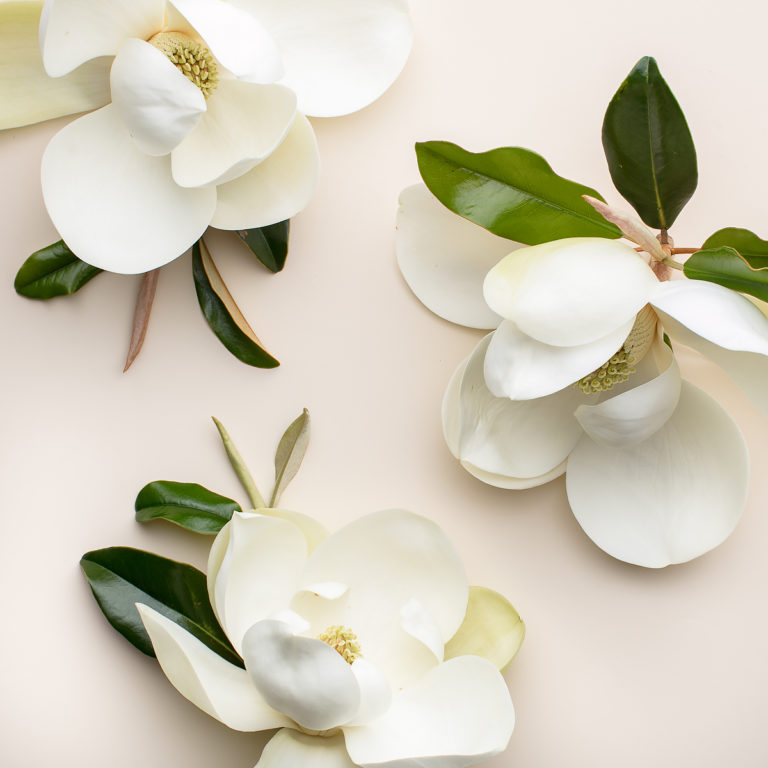
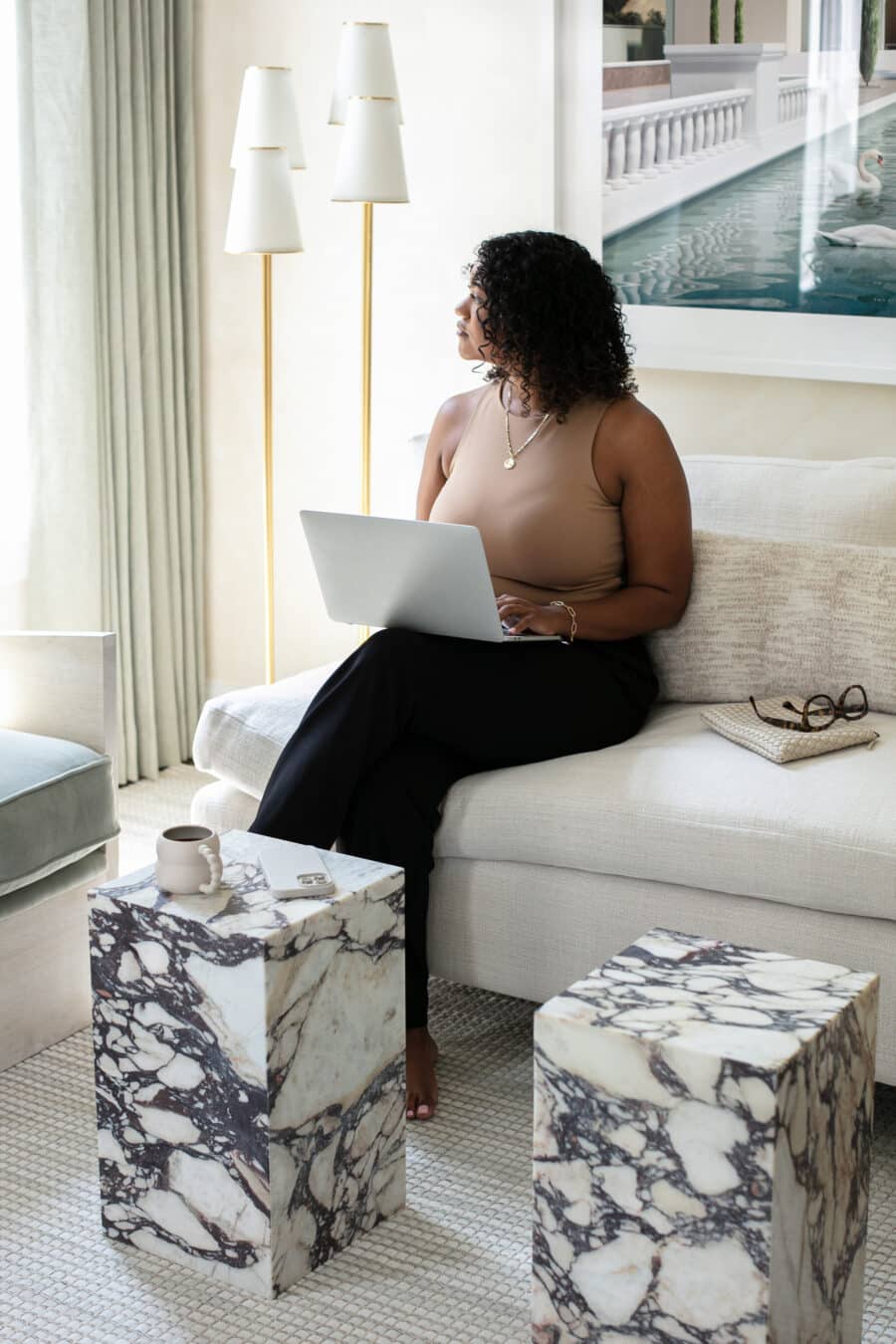
Images with open, uncluttered space work beautifully for:
- Homepage hero sections
- Website banners
- Headlines and calls to action
- Landing pages
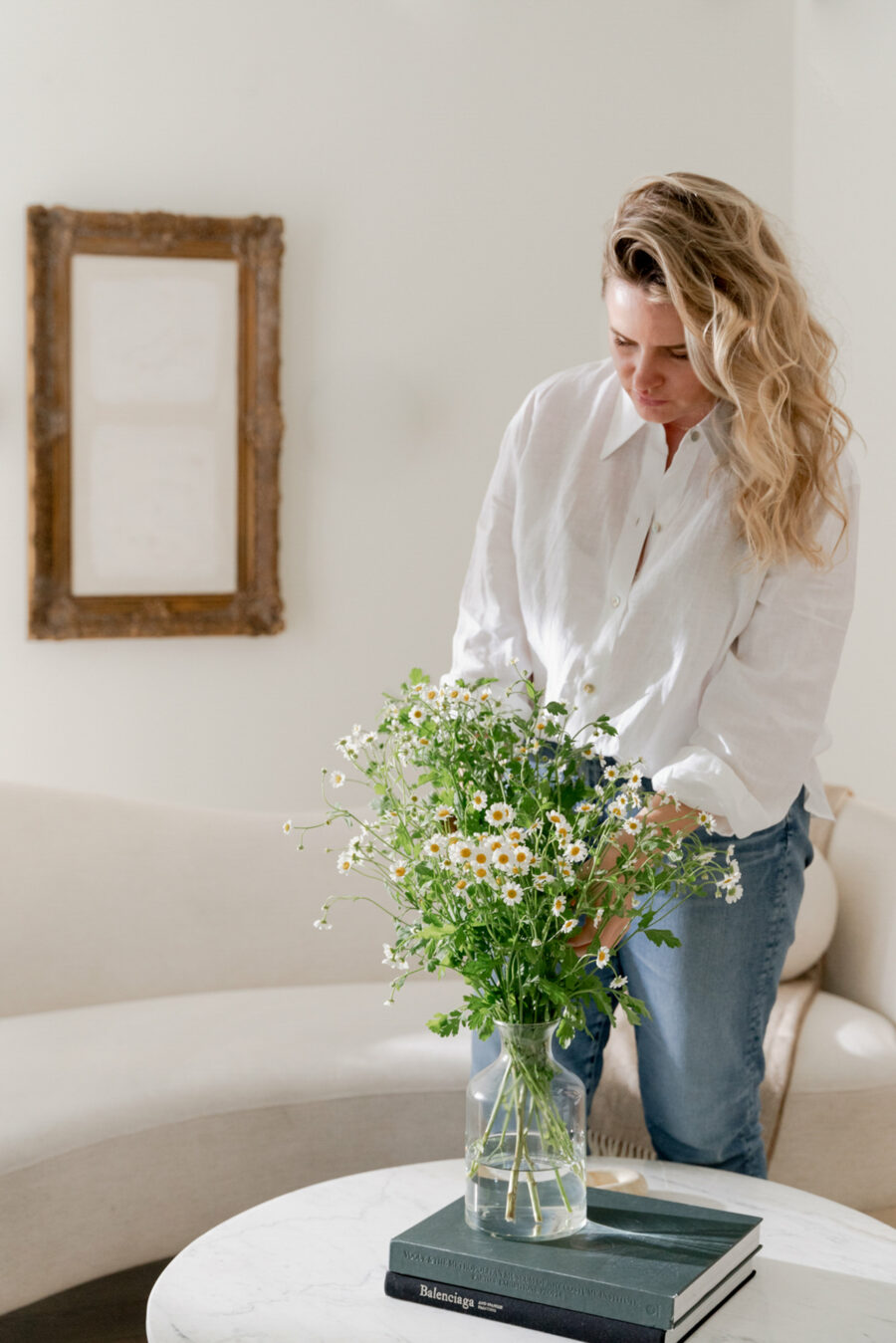
White space doesn’t have to be literal white. Neutral walls, window light, sky, curtains, or softly blurred backgrounds all count. If about one-third of the image feels open, it usually works well for web layouts.
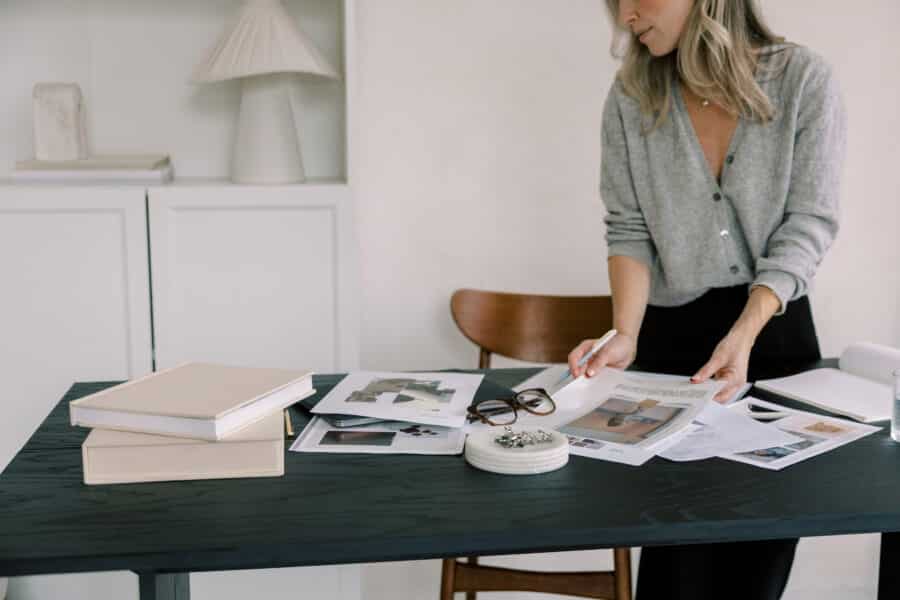
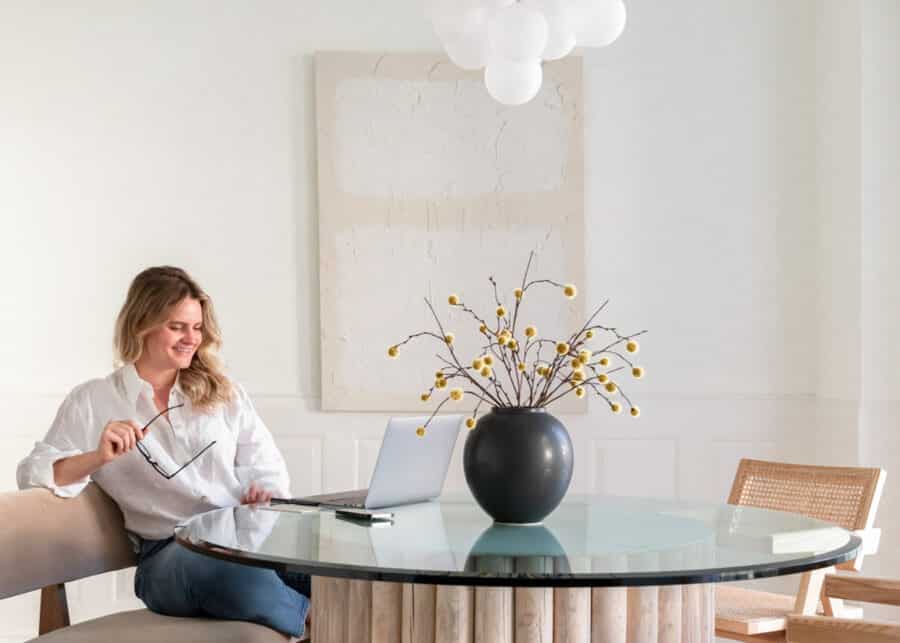
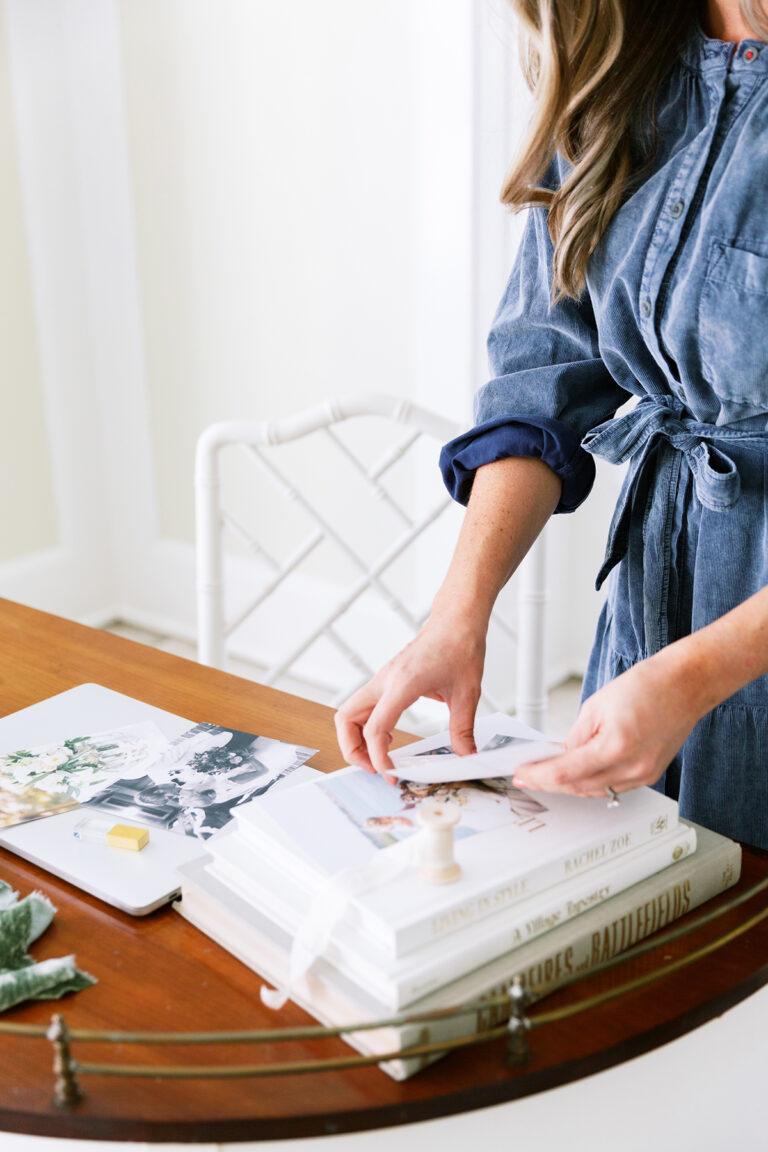
½ lifestyle, working, and environment shots
This category forms the backbone of your personal brand photography.
These images show you:
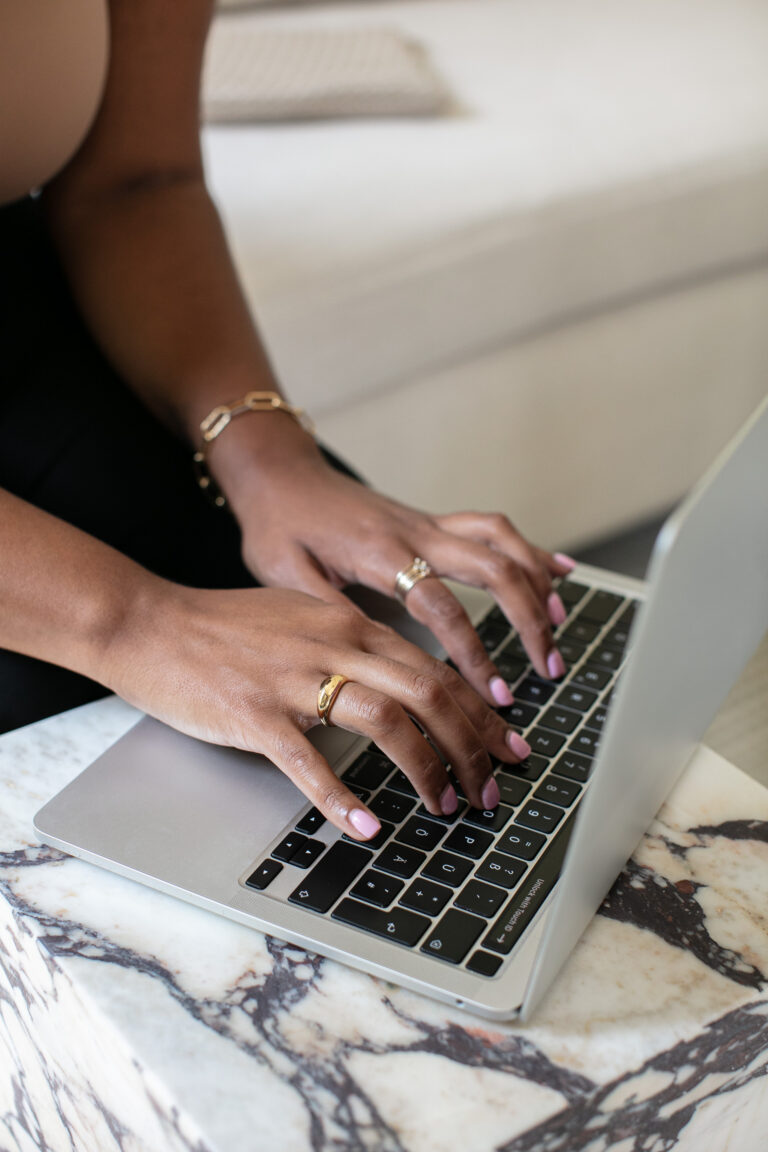
- Working on your laptop
- Writing, sketching, planning, or creating
- Sitting or standing in your workspace
Wider environment shots help visitors understand what it feels like to work with you — not just what you look like.
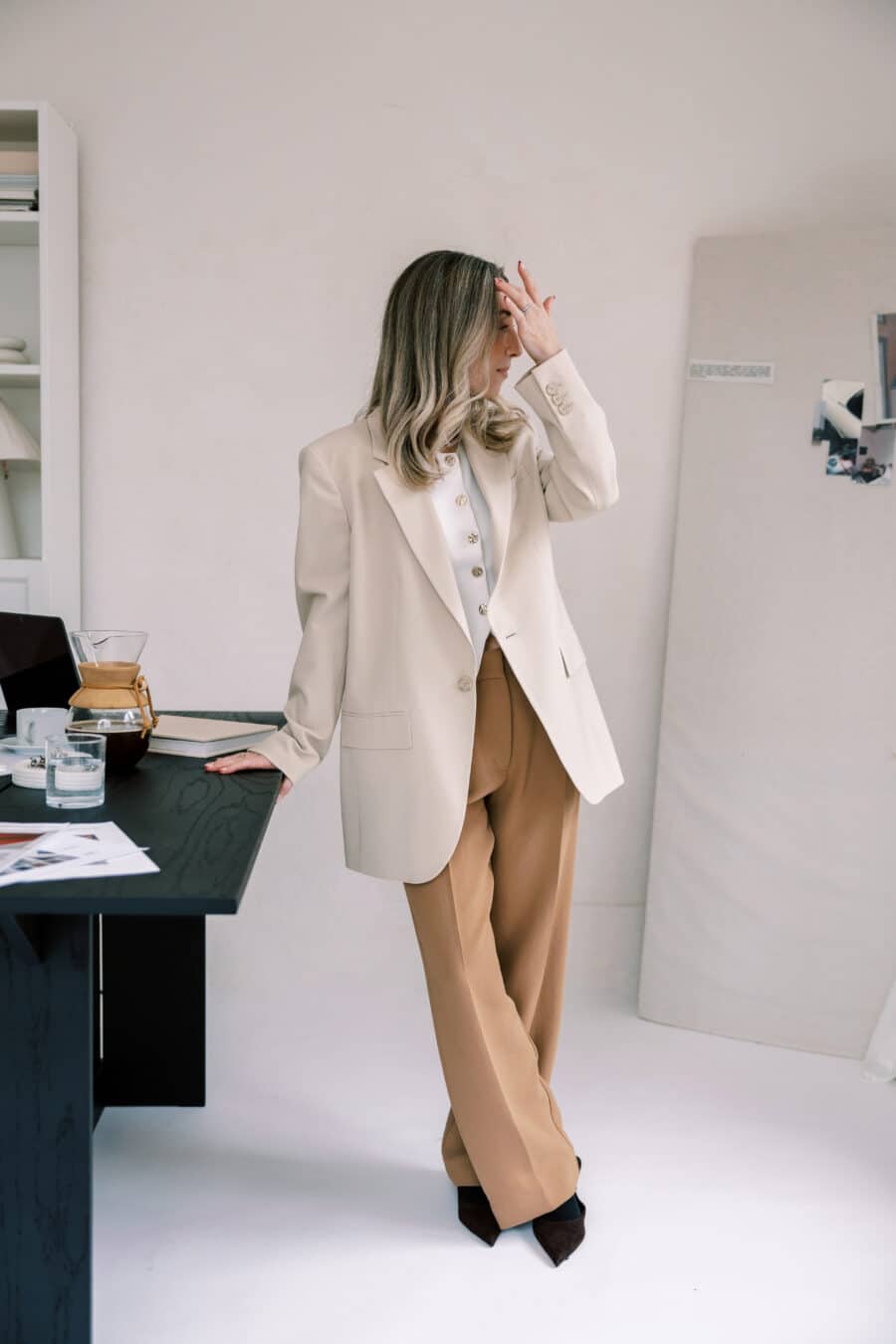

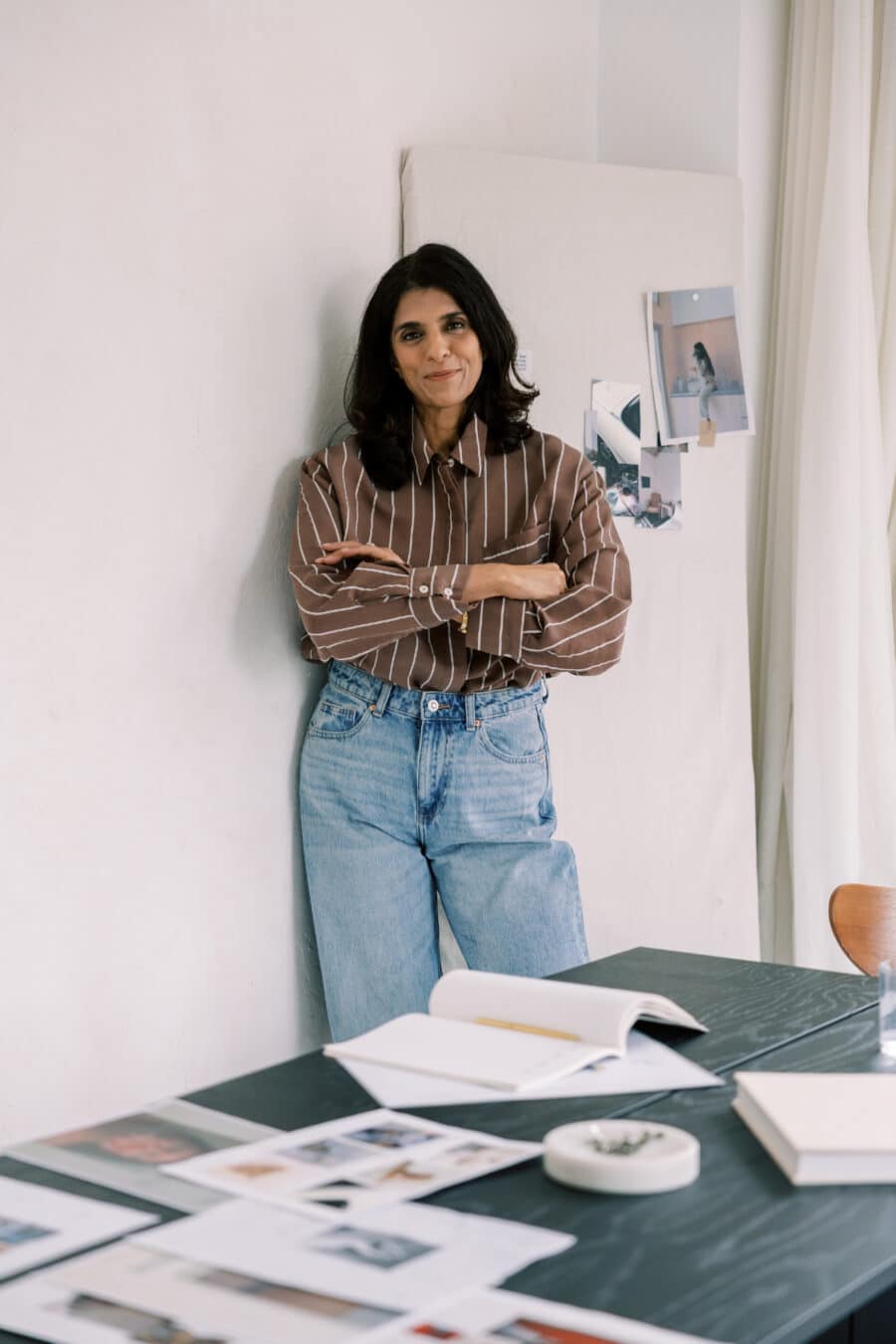

¼ personality, detail, and close-ups
This is where connection and storytelling happen.
Think:
- Natural expressions and movement
- Hands writing or typing
- Flipping pages, holding a mug
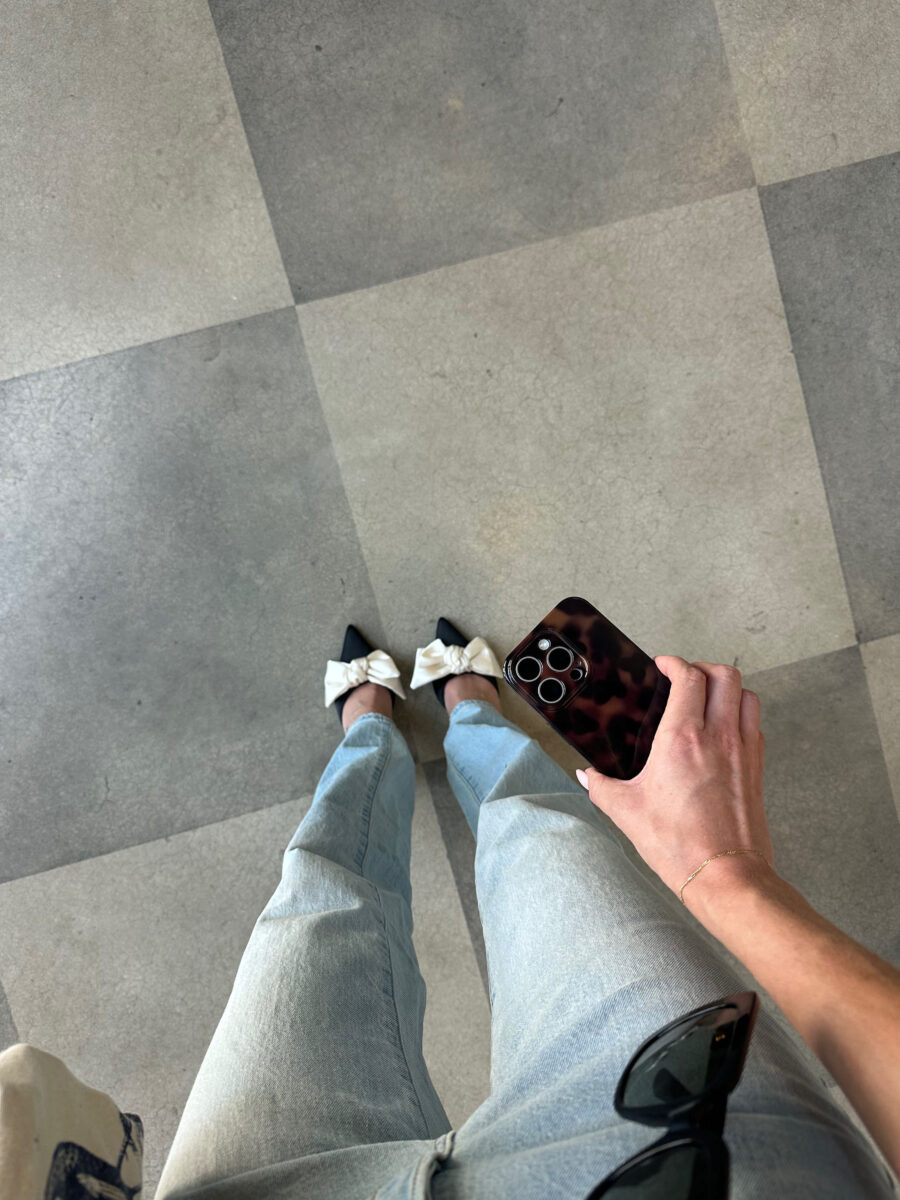
- Favorite tools, materials, or textures
These photos are perfect for About pages, blog posts, and supporting sections across your site.
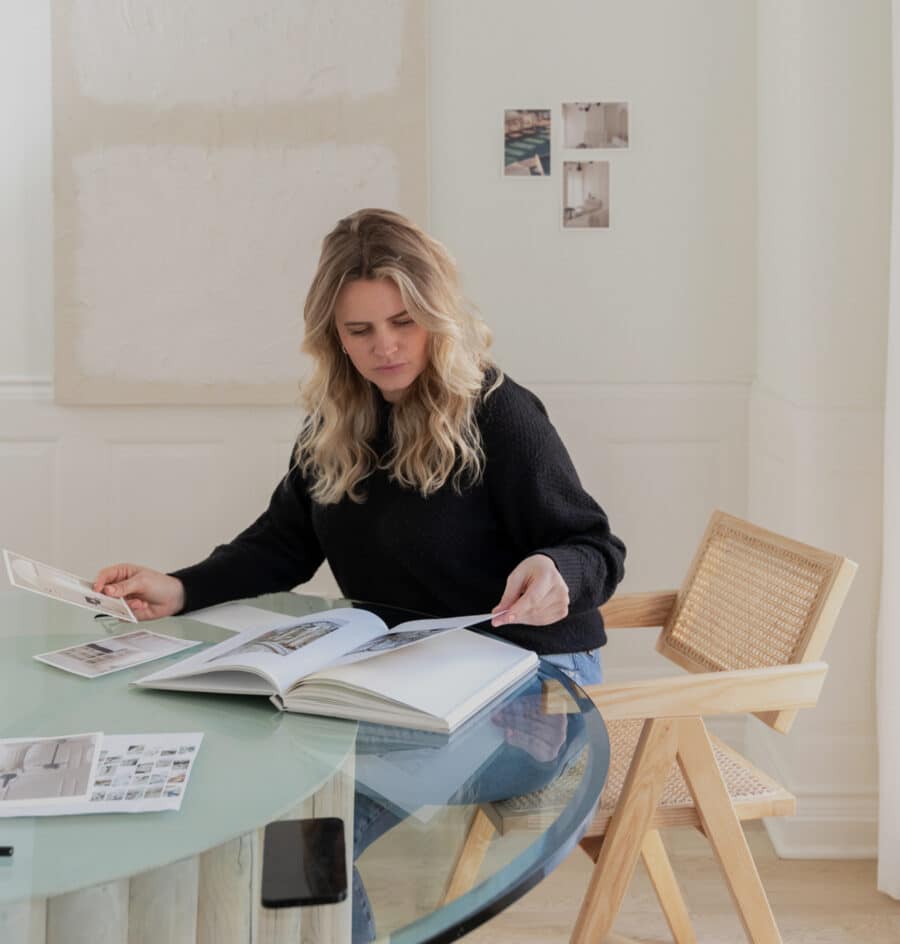
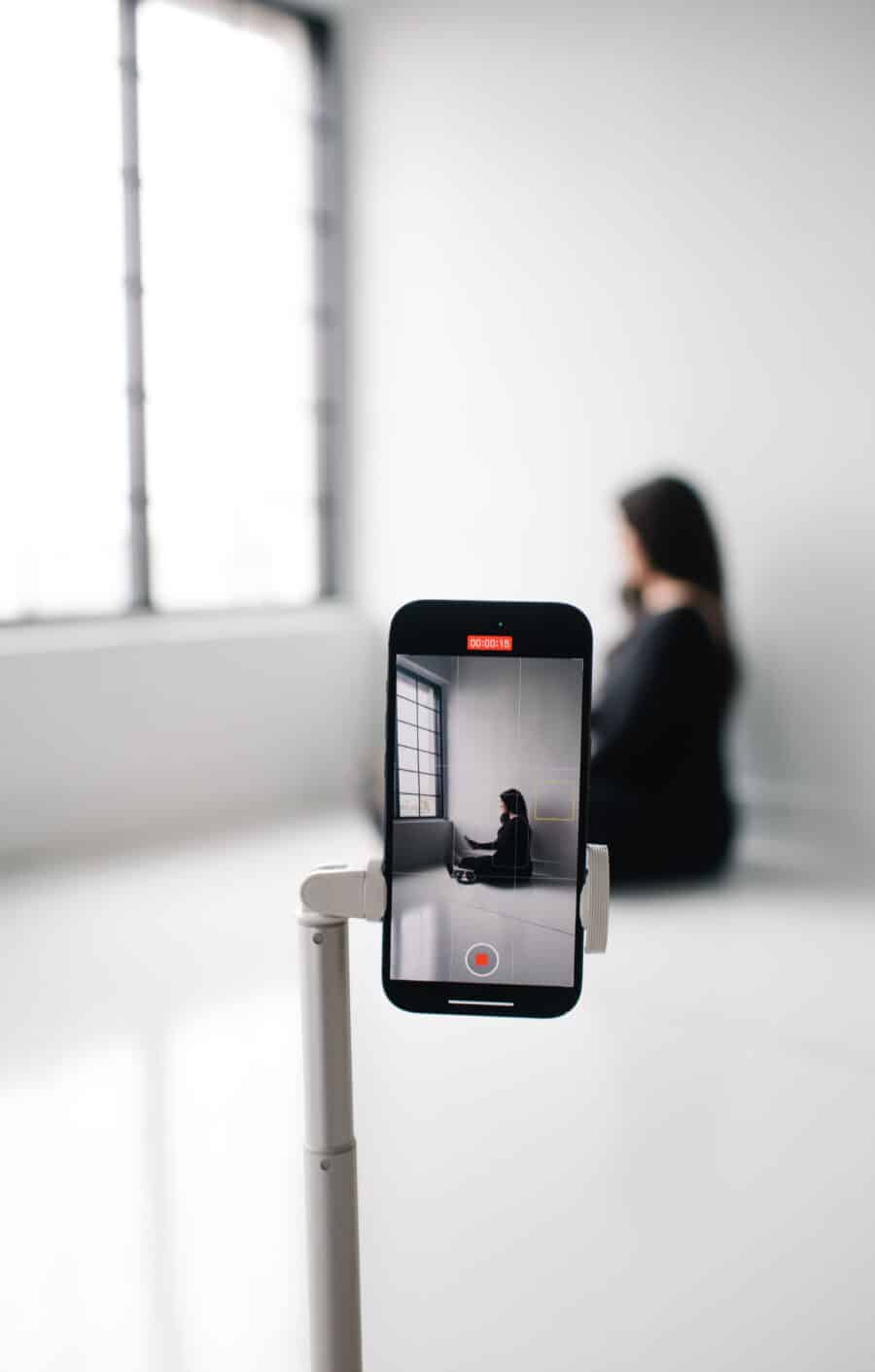
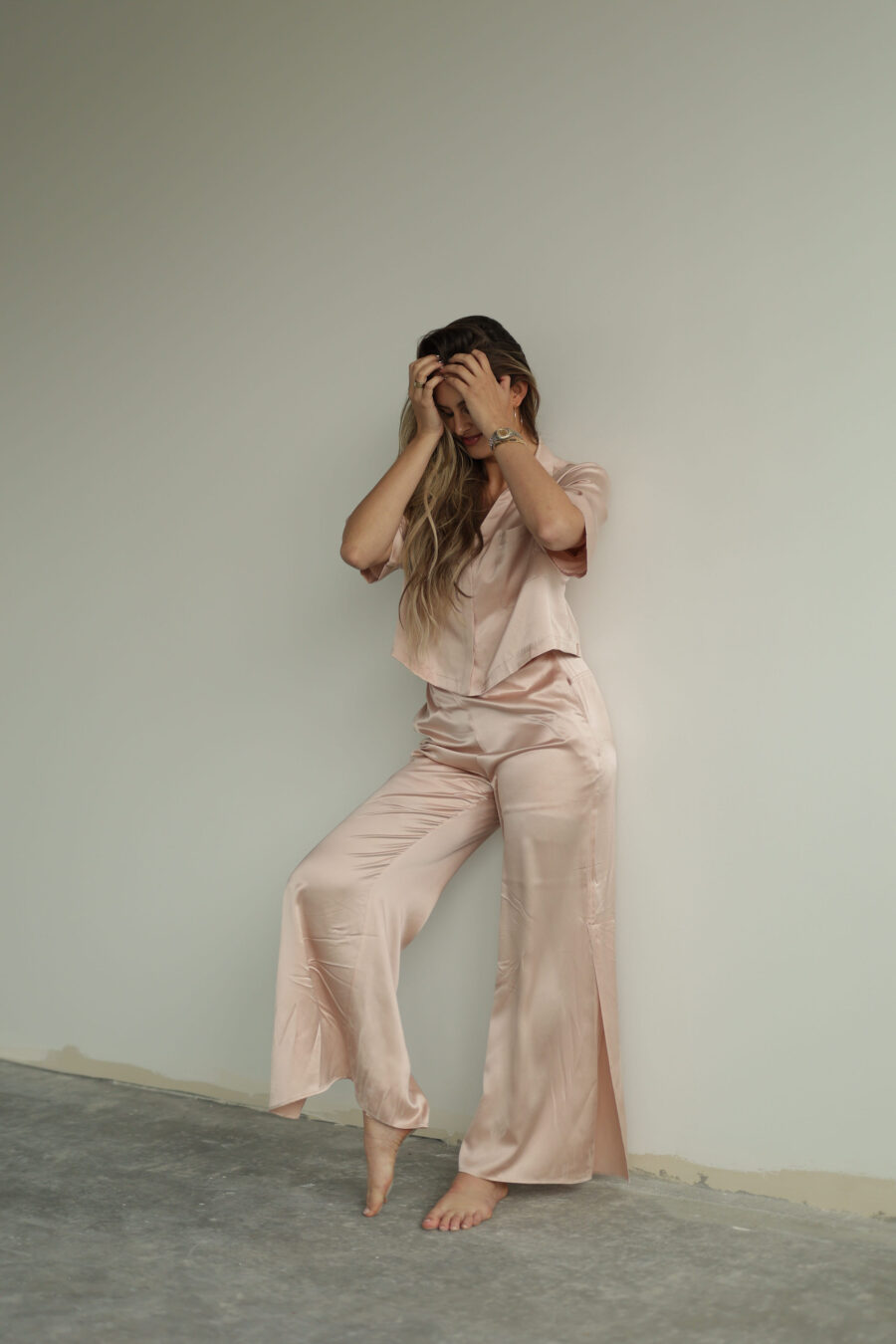
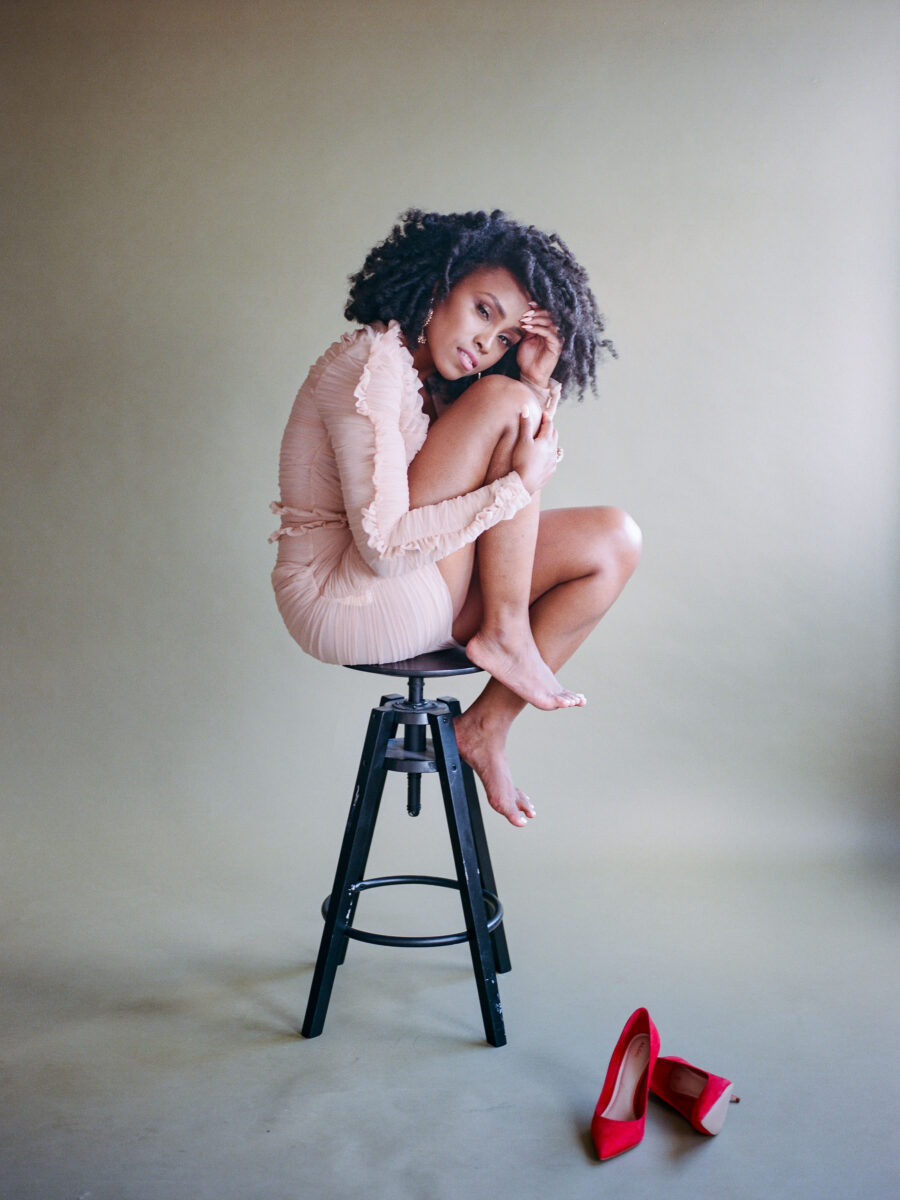
This mix gives your website both structure and personality.
Website Photo Tips That Make a Big Difference
Include face-forward and looking-away shots
Face-forward photos help build trust. Looking-away or candid shots feel relaxed and natural. A strong website uses both.
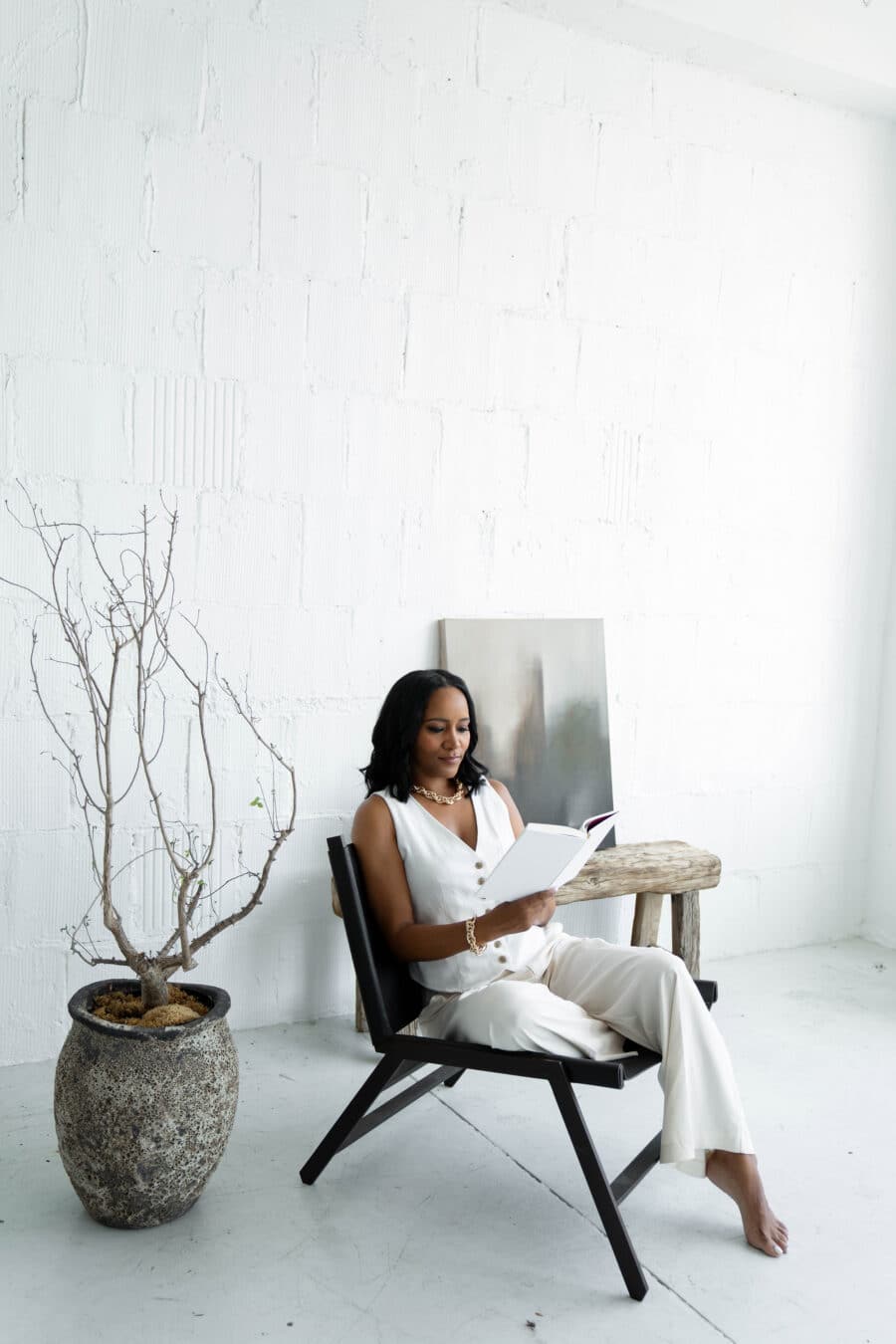
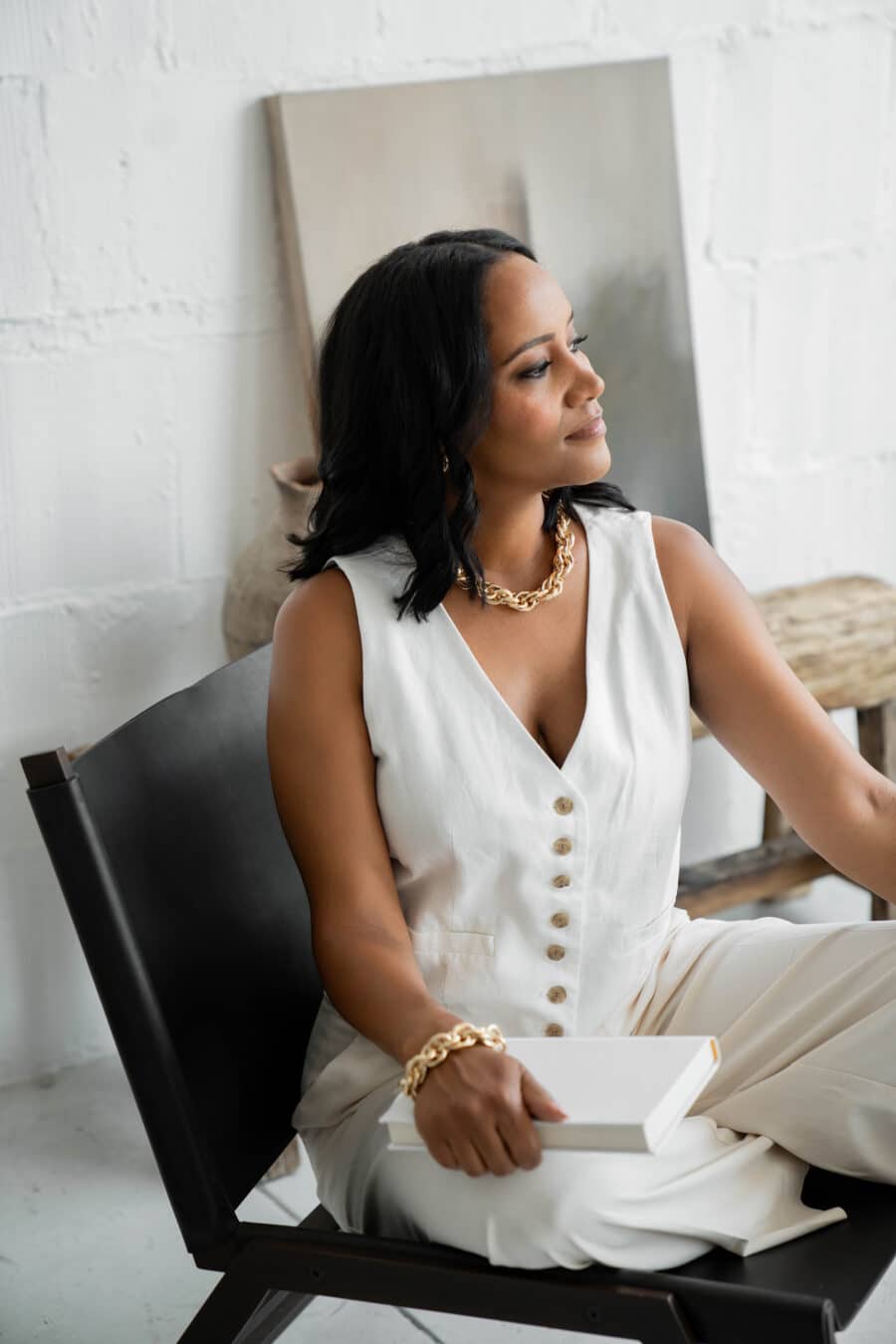

Think banner-friendly
Photos where you’re slightly off-center or have extra space to one side are easier to use for homepage sections, full-width banners, and responsive mobile layouts. This makes your photos more flexible across screen sizes.

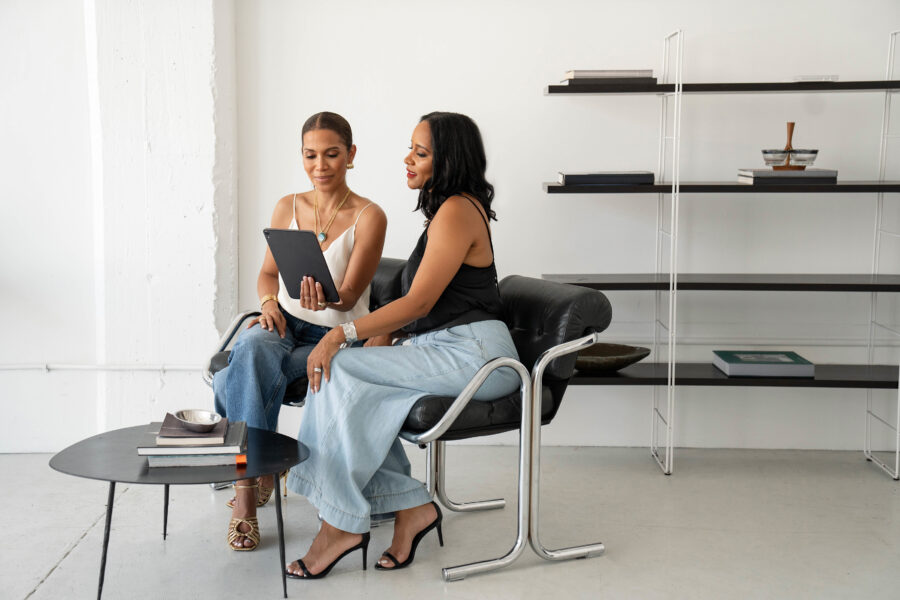
Use different crops
For a well-rounded website photo library, include close-ups, mid-range shots, and full-body images. This gives your designer far more options across different pages.

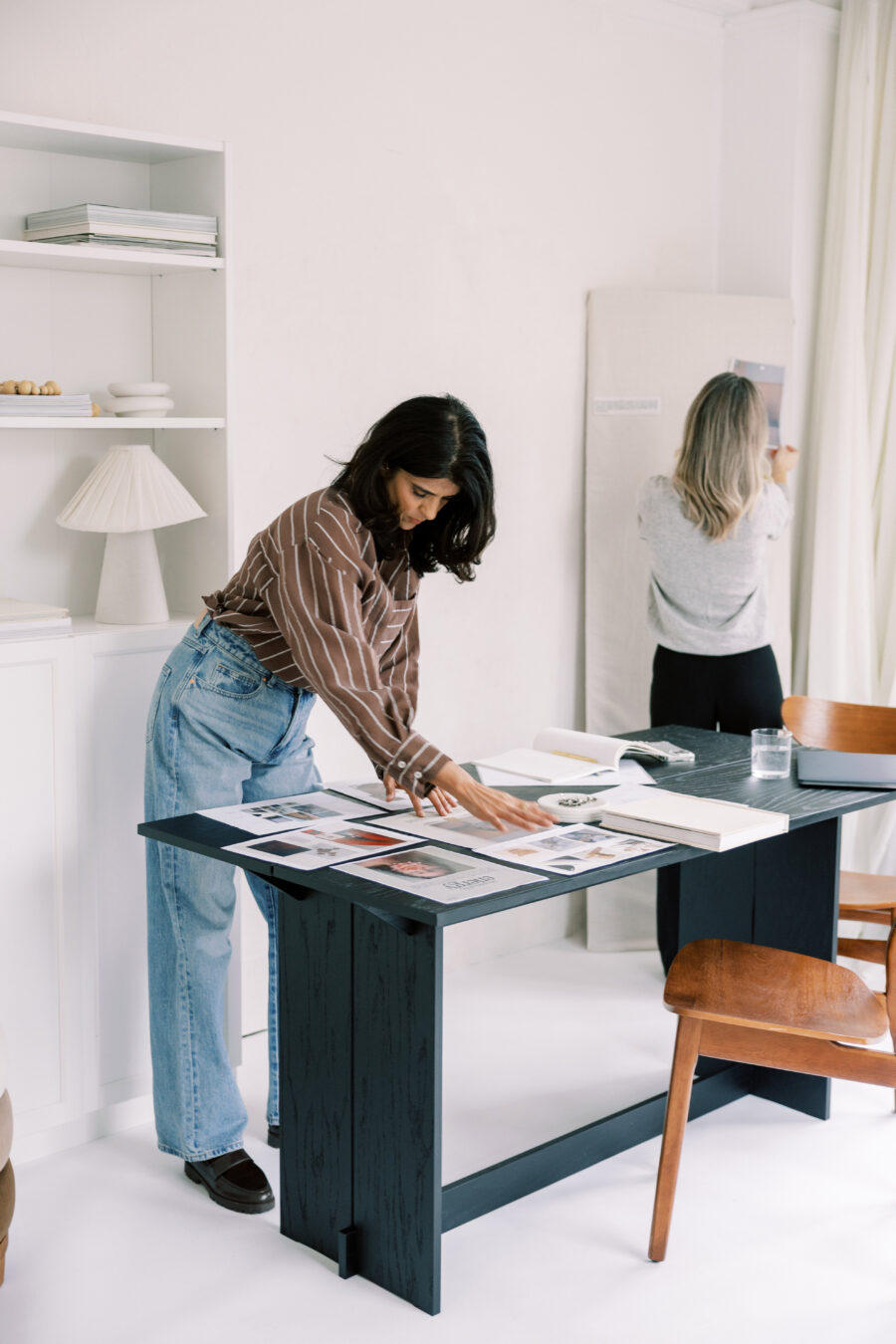
White space doesn’t mean boring
Some of the best website photos are calm and simple. Low visual noise helps your content stand out and makes your site easier to read and navigate.
Show your personality
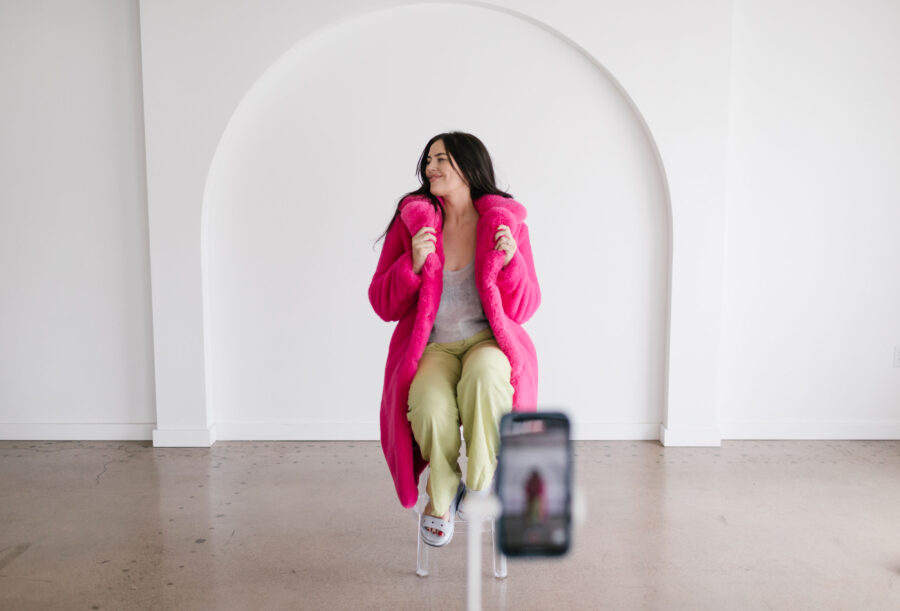
You don’t need to perform for the camera.
Laugh, move naturally, and relax. Those in-between moments often become the most memorable and effective images.


Plan for 2–3 outfits
Outfit changes instantly add variety and help your photos stretch further across your website, blog posts, email headers, and marketing graphics. Stick with colors that already live in your brand and outfits you feel comfortable moving in.


Photographer Note (Feel Free to Share)
These photos will be used primarily for a website, so a mix of horizontal, banner-friendly images with negative space, lifestyle/working shots, and a few close-ups would be ideal. Photos that allow room for text overlays and flexible cropping are especially helpful.
Final reminder
Your website photos aren’t about being perfectly posed. They’re about helping visitors feel comfortable, connected, and confident reaching out. A thoughtful photo mix will always outperform a “perfect” headshot and give your website room to grow with you.
More resources for you:
Hi, I’m Thauna —
WordPress designer, Kadence expert, & the creative heart behind Bellano Web Studio
I specialize in designing websites that feel like you — beautiful, functional, and built to grow with your business. Whether you need a full redesign, a fresh new look, or help bringing clarity to your message, I’m here to make it happen.
Found this post helpful?
Save this post to your Pinterest board for later, and follow along for WordPress tips, Kadence tutorials, and creative business advice.